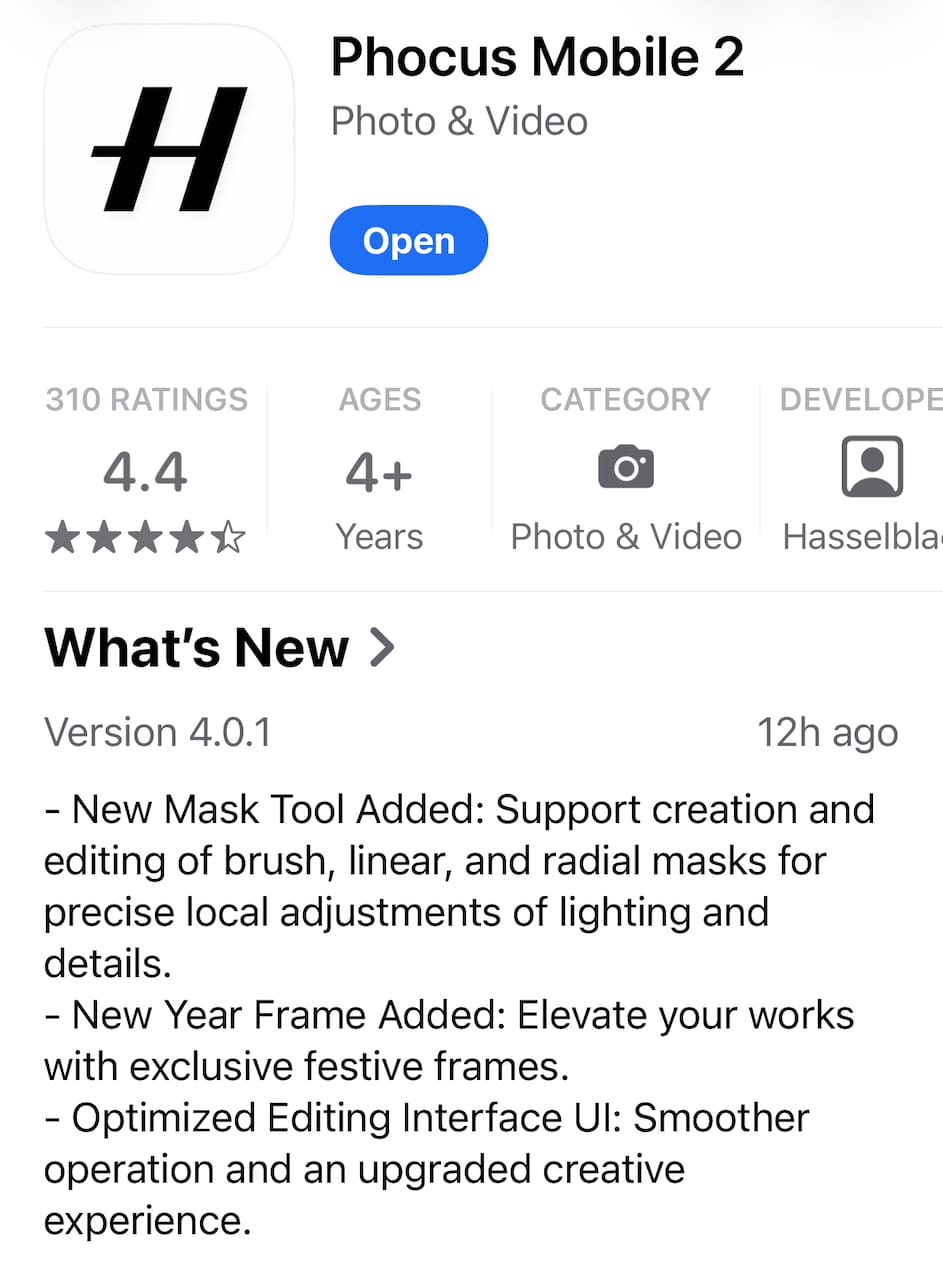
Phocus Bug Watch #001: Your Color Labels Keep Disappearing
Color labels in Phocus 4.0.1 don't persist or export - Hasselblad confirmed it's a known issue. Star ratings work; use those instead.

Table of Contents
If you've attempted using Phocus 4.0.1's color labels to organize your images, you may have noticed something frustrating: they vanish the moment you quit the app. This isn't user error - it's a confirmed bug that Hasselblad have acknowledged.
The Problem
Phocus offers two ways to rate images: the familiar 1–5 star system (keys 1–5), and a color label system using Green, Yellow, and Red (keys 6, 7, and 8). These color labels are part of Hasselblad's legacy IAA (Image Approval Assessment) system, which dates back to older H-System cameras and digital backs.¹
The problem? While star ratings work exactly as you'd expect - persisting across sessions and embedding in exported files - color labels do neither. Apply a green label, quit Phocus, reopen it, and your label is gone. Export with the "Rating" checkbox enabled in your IPTC settings, and the color label doesn't make it into the file.
Star ratings survive both scenarios without issue. The color labels simply vanish.
What I Tested
To verify this wasn't something specific to my setup, I ran two tests:
Session persistence: I applied both a 3-star rating and a green color label to an image, quit Phocus completely, then relaunched. The stars remained; the color label was gone.
Export persistence: I exported a TIFF with the "Rating" checkbox enabled in the Large IPTC export settings, then examined the file with ExifTool.² The star rating appeared in the metadata as expected. The color label field (XMP:Label) was completely absent.
What I Found
Digging into the sidecar file (the .phos file that stores your adjustments), I found the star rating saved correctly:
<xap:Rating>3</xap:Rating>
But there was no corresponding entry for the color label. The industry-standard XMP:Label field - which applications like Lightroom, Capture One, and Bridge all use for color labels - simply doesn't exist in the file.
The same is true for exports. ExifTool shows the rating, but no label:
[XMP-xmp] Rating : 3
Phocus isn't writing color label data anywhere - not to the sidecar, not to exported files. The labels exist only in memory while the app is running.
The Documentation Says Otherwise
This would be easier to accept if Phocus simply didn't support color labels. But the feature is documented.
The Phocus User Manual (v26, September 2024) describes the IAA rating system on page 27, showing a table where ratings 6, 7, and 8 correspond to Green, Yellow, and Red labels.³ The manual explicitly states:
When rating is applied and embedded at export (this is an option on the Large IPTC list), it will also be accessible and usable in other applications such as Adobe Lightroom.
The Export dialog reinforces this expectation. When you edit your IPTC export settings, the Rating field shows clear visual space for both the star rating and the color dot. The UI implies both will be included.
This isn't an undocumented experimental feature. It's a documented capability that simply doesn't work.
Hasselblad's Response
I submitted a detailed bug report to Hasselblad Support, including ExifTool output, sidecar file contents, and references to their own documentation. Their engineering team reviewed the findings and confirmed:
Our engineering team has reviewed your findings and can confirm that this is a known issue. At this time, the team will internally reassess this feature.
The phrasing is interesting. "Internally reassess this feature" suggests they're evaluating whether to fix the bug or potentially deprecate IAA color labels entirely. No timeline was provided.
What This Means for Your Workflow
If you've been contemplating using color labels in Phocus, the practical impact is straightforward: don't. At least not for anything you need to persist.
Color labels currently function only as in-session sorting aids. You can apply them, filter by them, and use them to quickly cull or organize images - but only within a single Phocus session. The moment you quit, that work is lost.
More significantly, if you were hoping to use color labels to transfer selections to Lightroom or Capture One via export, that workflow is broken. The data never reaches the exported file.
Recommendations
Until Hasselblad addresses this (if they choose to), stick to star ratings for any persistent organization within Phocus. The 1-5 star system works reliably for both session persistence and export.
If you need a secondary categorization system beyond stars - for example, to mark images for different purposes like portfolio vs. client delivery - you'll need to handle that outside Phocus, either via folder structure, file naming, or by applying color labels in your destination application after export.
Wrapping Up
Color labels in Phocus 4.0.1 are, for now, effectively broken. Hasselblad has confirmed this is a known issue and is "reassessing" the feature. Whether that leads to a fix or deprecation remains to be seen.
I'll update this post if and when Hasselblad provides further information.
References
¹ Phocus User Manual v26 (September 2024), page 27 - "IAA Rating" table showing ratings 1-5 as stars and 6-8 as Green, Yellow, Red labels.
² ExifTool by Phil Harvey - https://exiftool.org - the standard command-line tool for reading and writing image metadata.
³ Phocus User Manual v26 (September 2024), page 27 - "When rating is applied and embedded at export (this is an option on the Large IPTC list), it will also be accessible and usable in other applications such as Adobe Lightroom."
Bug Reference: PHOCUS-001 · Case #9686749 · Status: Confirmed (Known Issue)
Series: This is the first post in the Phocus Bug Watch series, documenting bugs in Phocus 4.0.1 for macOS.

The Tech Behind the Frame Newsletter
Join the newsletter to receive the latest updates in your inbox.